a
The ranked list of why people leave
Every answer is recorded with the cart it came from. After a few days you know whether your problem is price, fit or shipping, and what to fix first.
Exit survey and cart recovery for Shopify
When a shopper with a full cart heads for the exit, WhyNotBuy asks one question and responds to the answer. A code for price. Your size guide for fit. Shipping terms for shipping. Their cart by email for later.
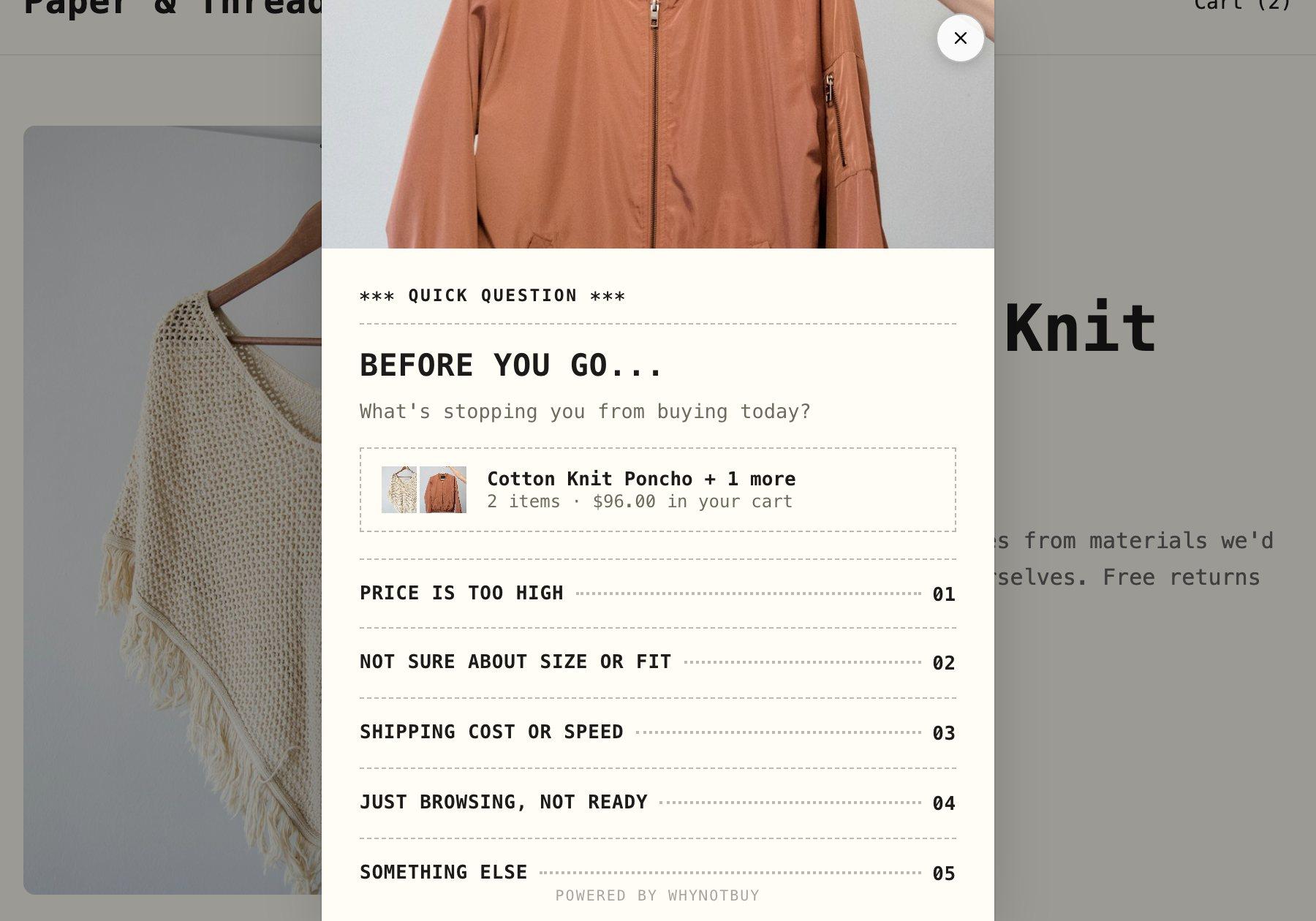
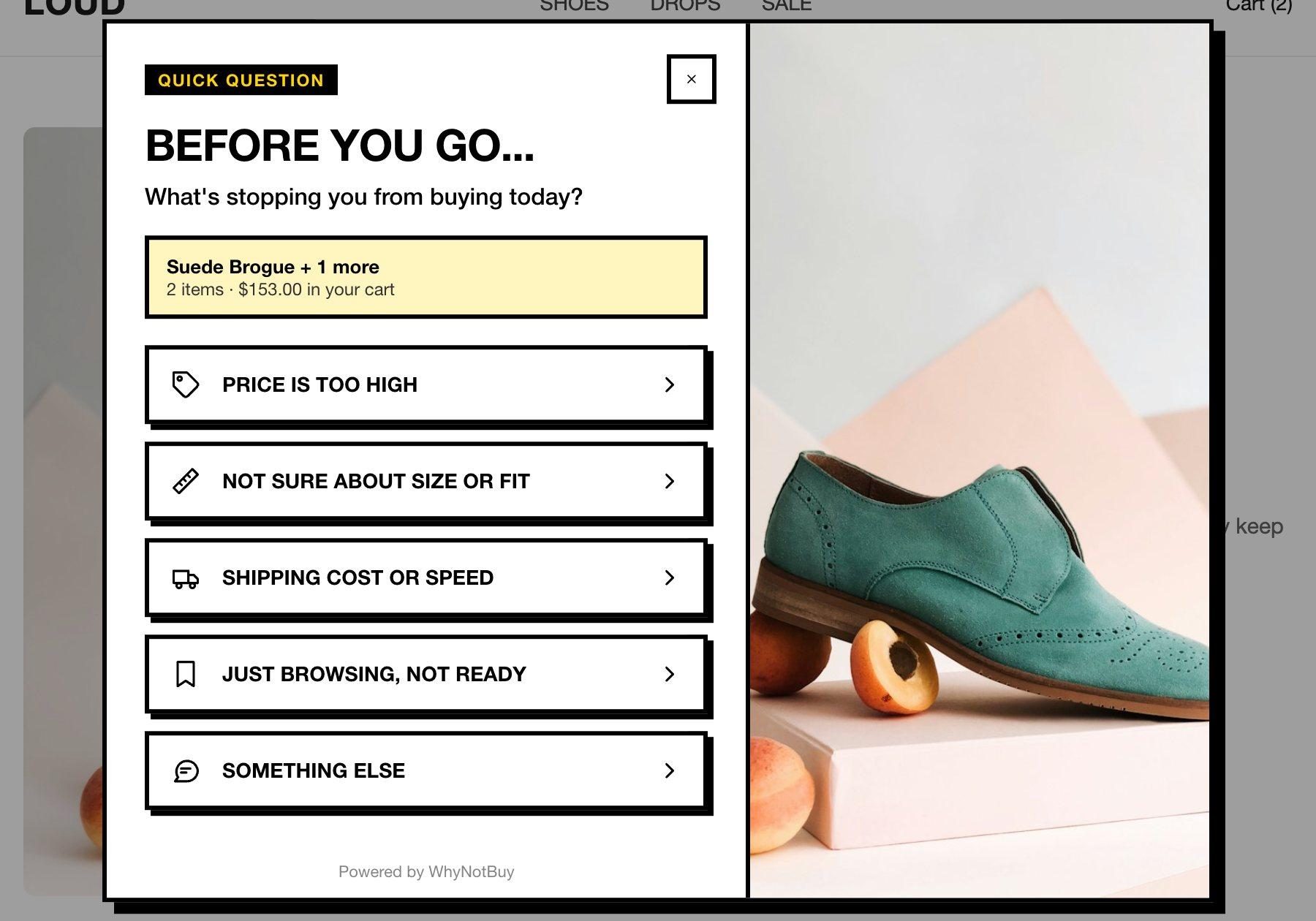
This is the real widget, not a recording. Click any answer to take over.
01 / The idea
Pick what a shopper might say. The live widget shows what they get back.
A single-use code with a real expiry. Created in Shopify the moment they ask, applied at checkout, dead when the timer ends. Percentage, fixed amount or free shipping.
Most exit popups open with ten percent off. Some of those shoppers were only checking the size chart. Some wanted to know when it ships. They get a discount they did not need, and you still don’t know why they were leaving.
WhyNotBuy asks first. You spend margin only on the people who said price, and every answer becomes a row in your dashboard: what stops people from buying in your store, in their words, ranked.
02 / Honest numbers
It is the fair question to ask of any recovery tool. Every experiment here keeps a holdout group that never sees the widget, and each group is counted by the same rule, so the difference you read is the difference the widget made.
Orders per hundred shoppers. The gap between a variant and the holdout is what the widget added. The gap between A and B decides the offer.
03 / In the admin
Every answer is recorded with the cart it came from. After a few days you know whether your problem is price, fit or shipping, and what to fix first.
Smart rules change the offer, the headline or the whole mode by cart value, device, new or returning, and how interested the shopper looked. They are judged at the moment the widget opens.
If cart value is at least $200
and device is phone
then offer 15% off with the headline “Your cart qualifies for more”
A five-step wizard turns the widget on. A three-step builder makes a bundle. The design, offer and bundle screens each have a preview that opens the real widget with your own products, and creates no code.
04 / Design
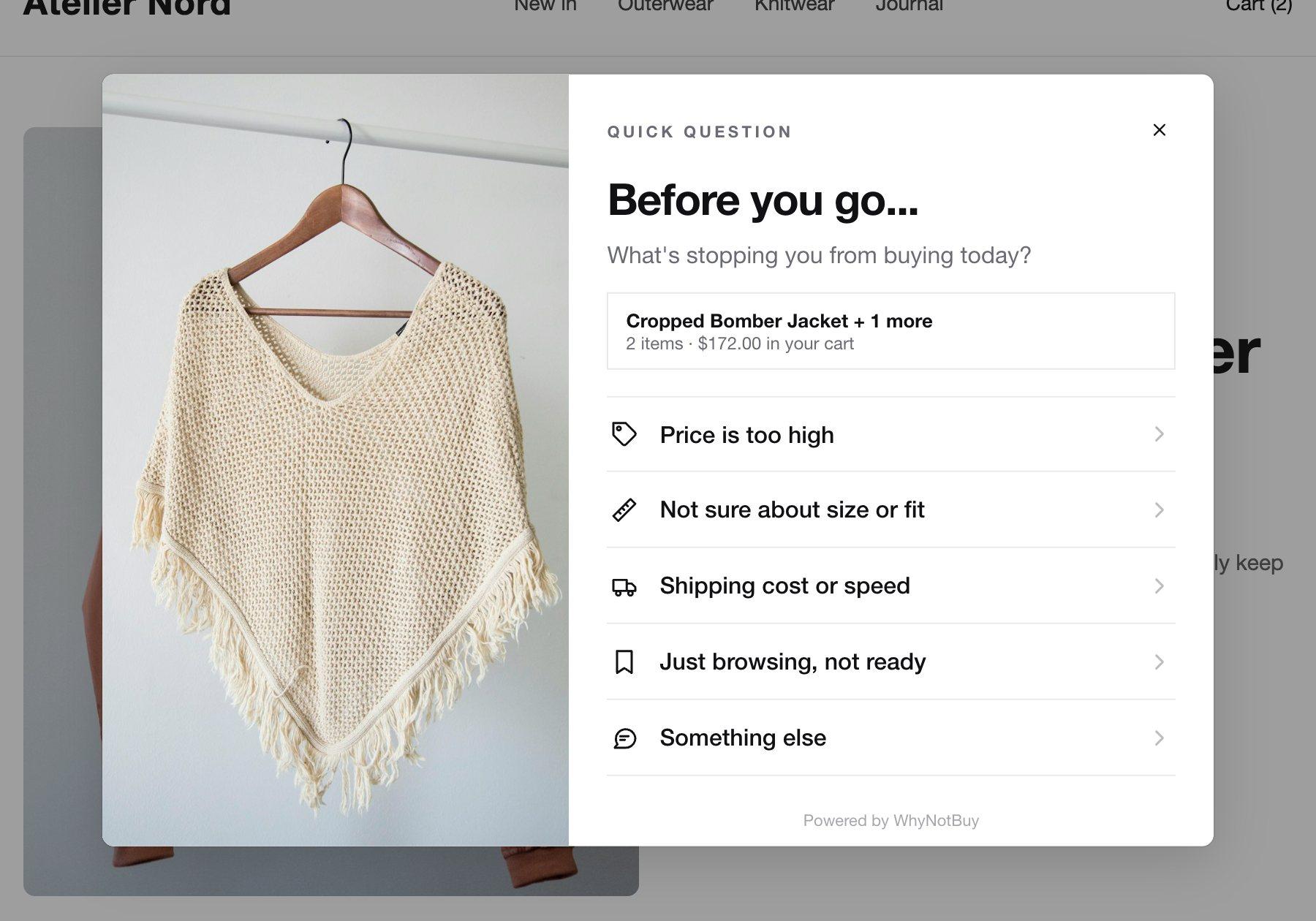
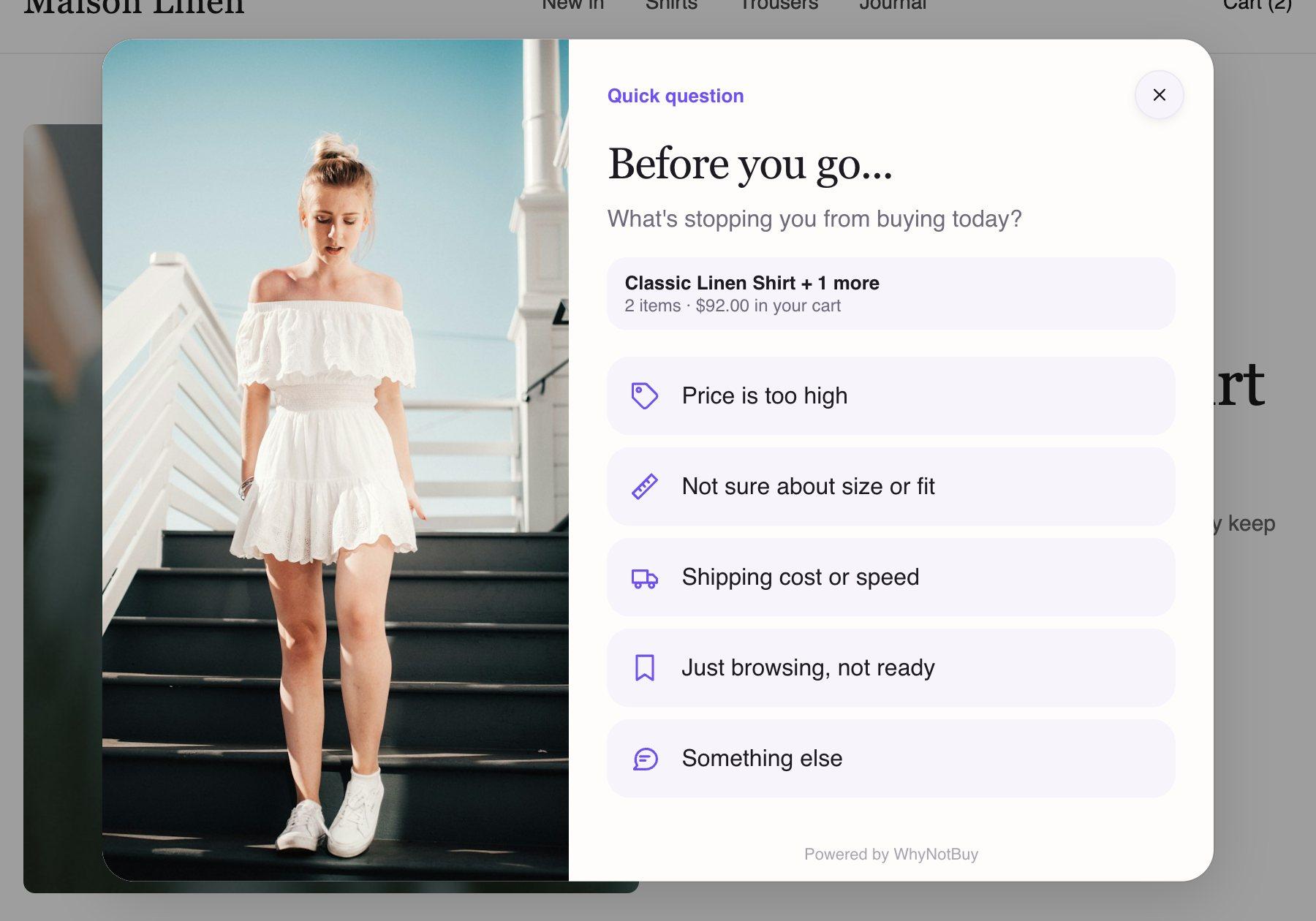
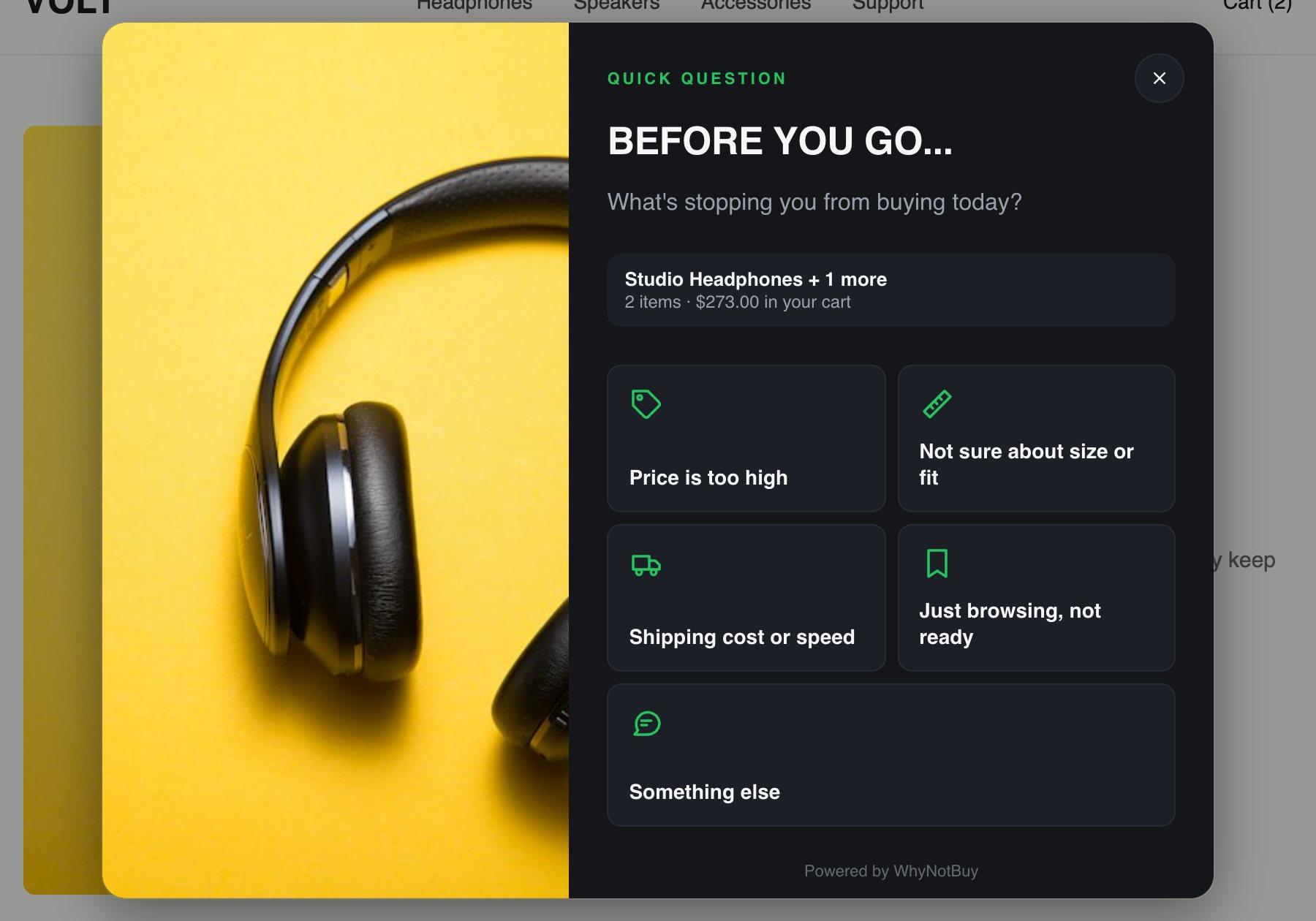
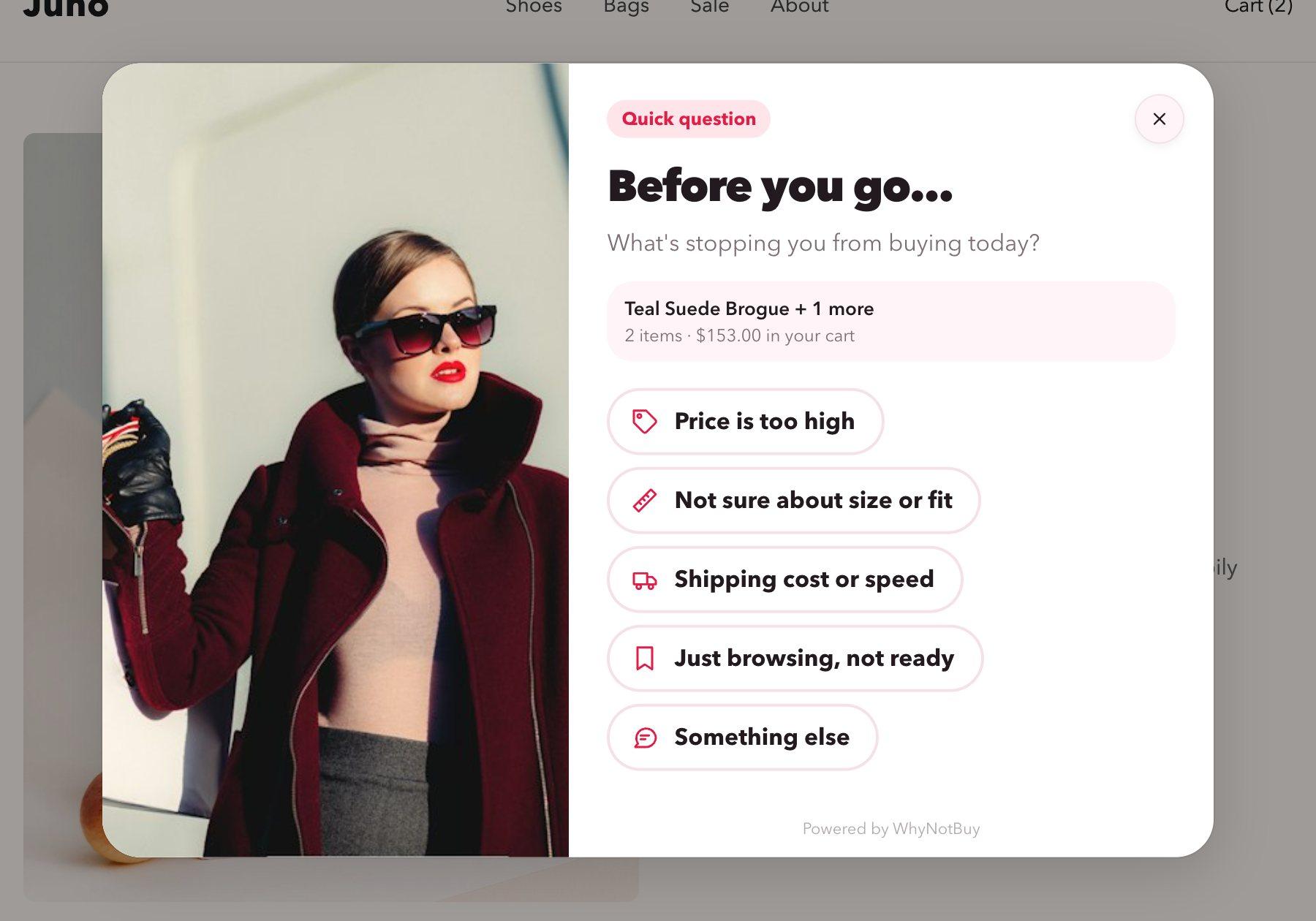
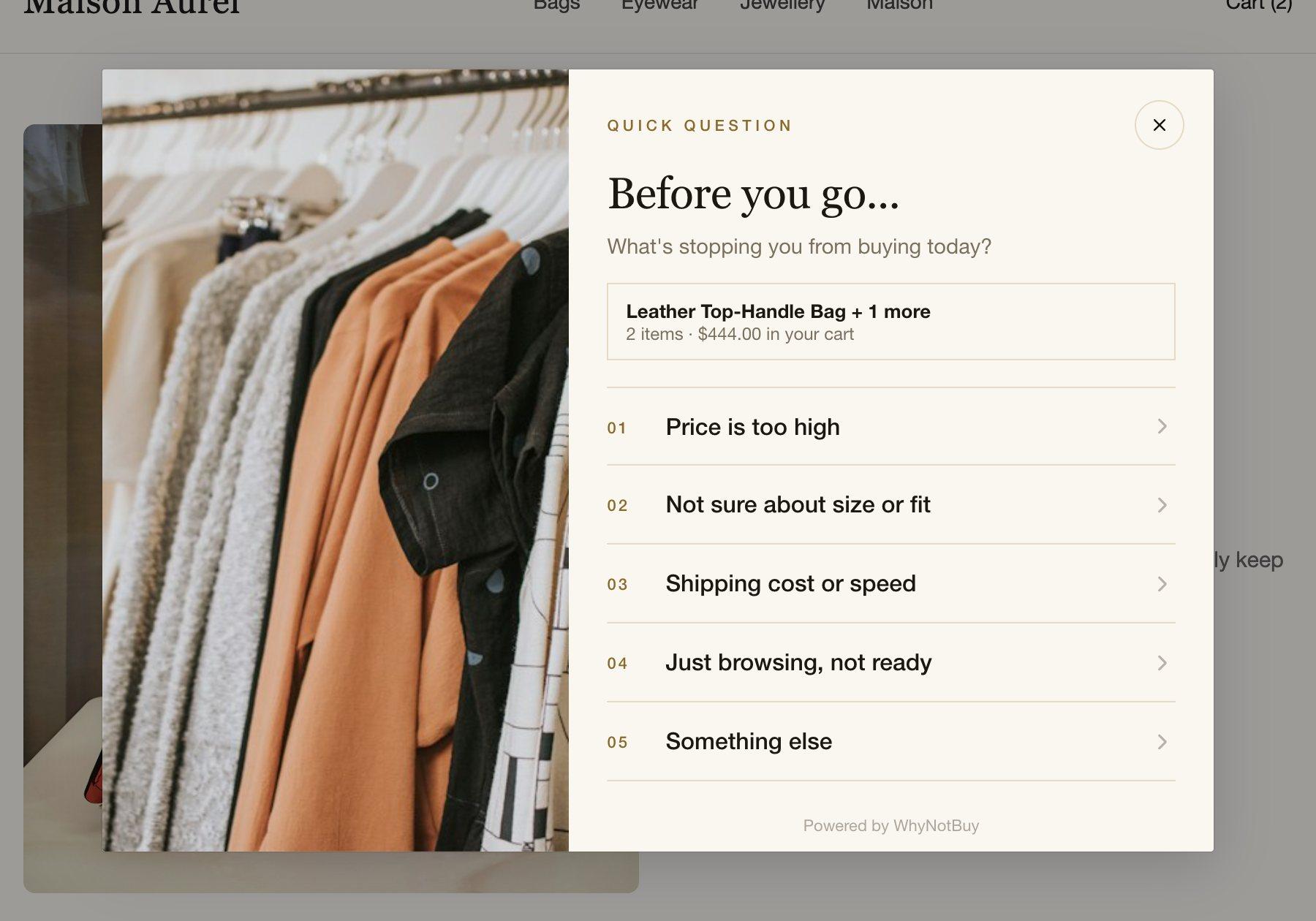
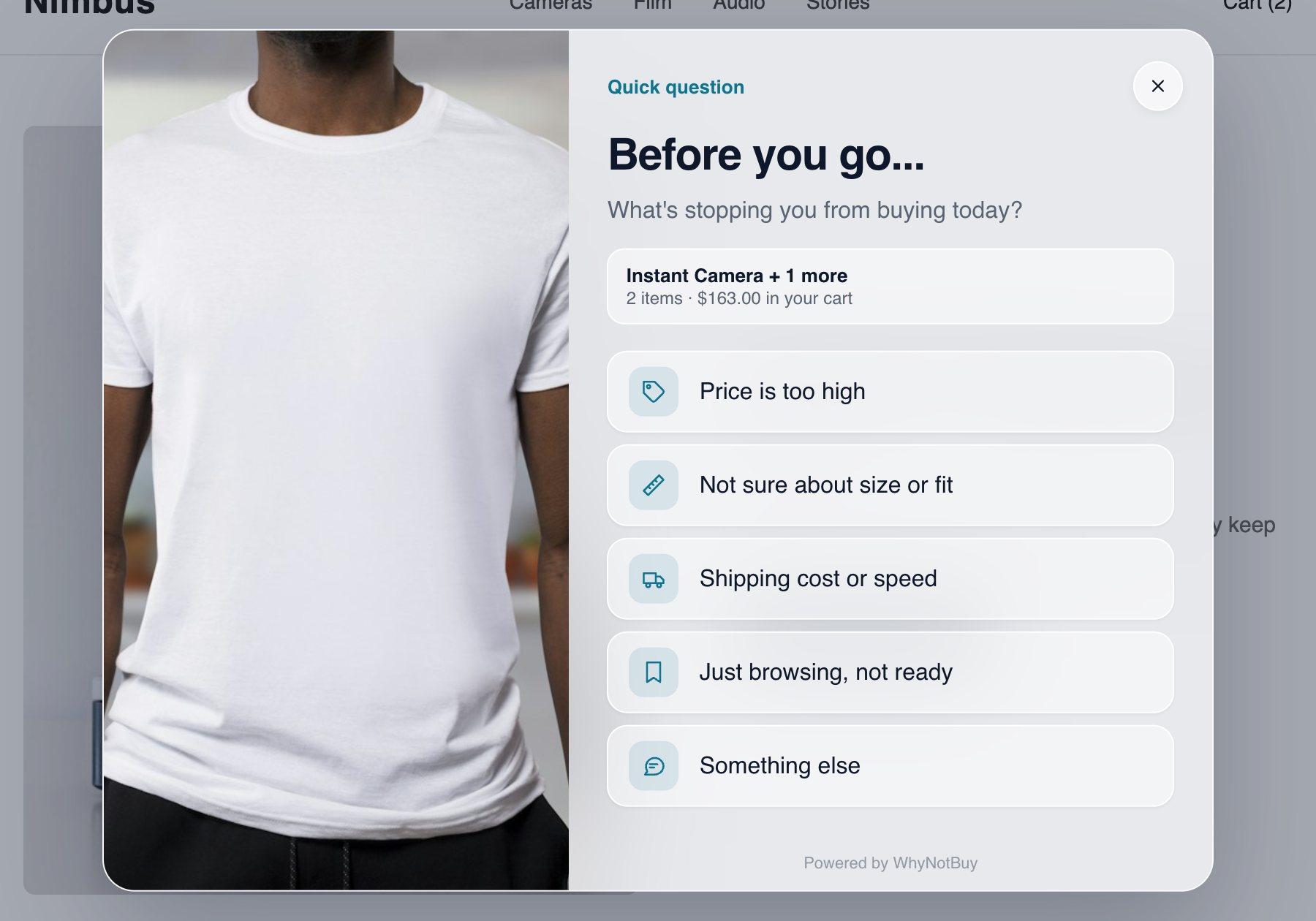
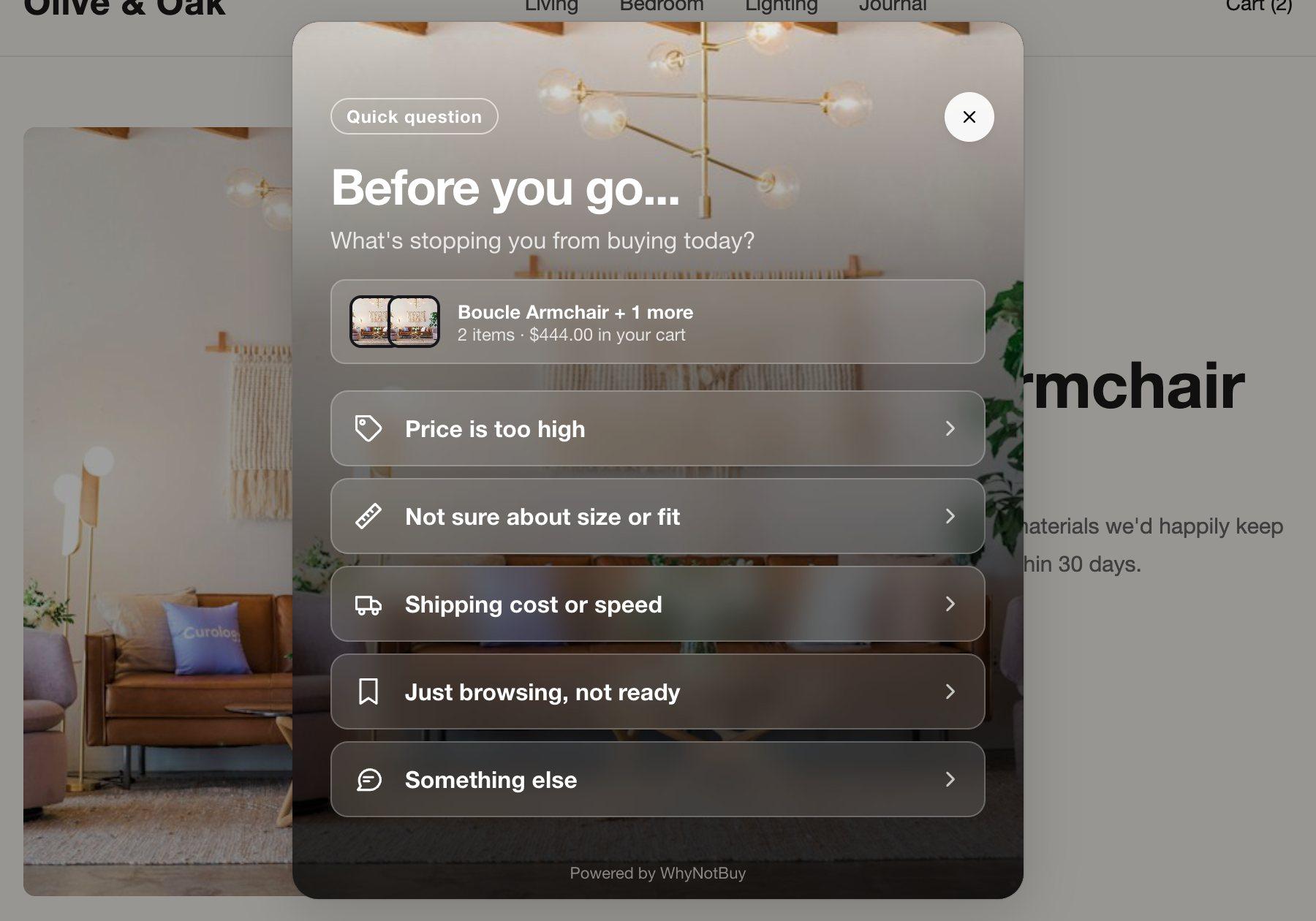
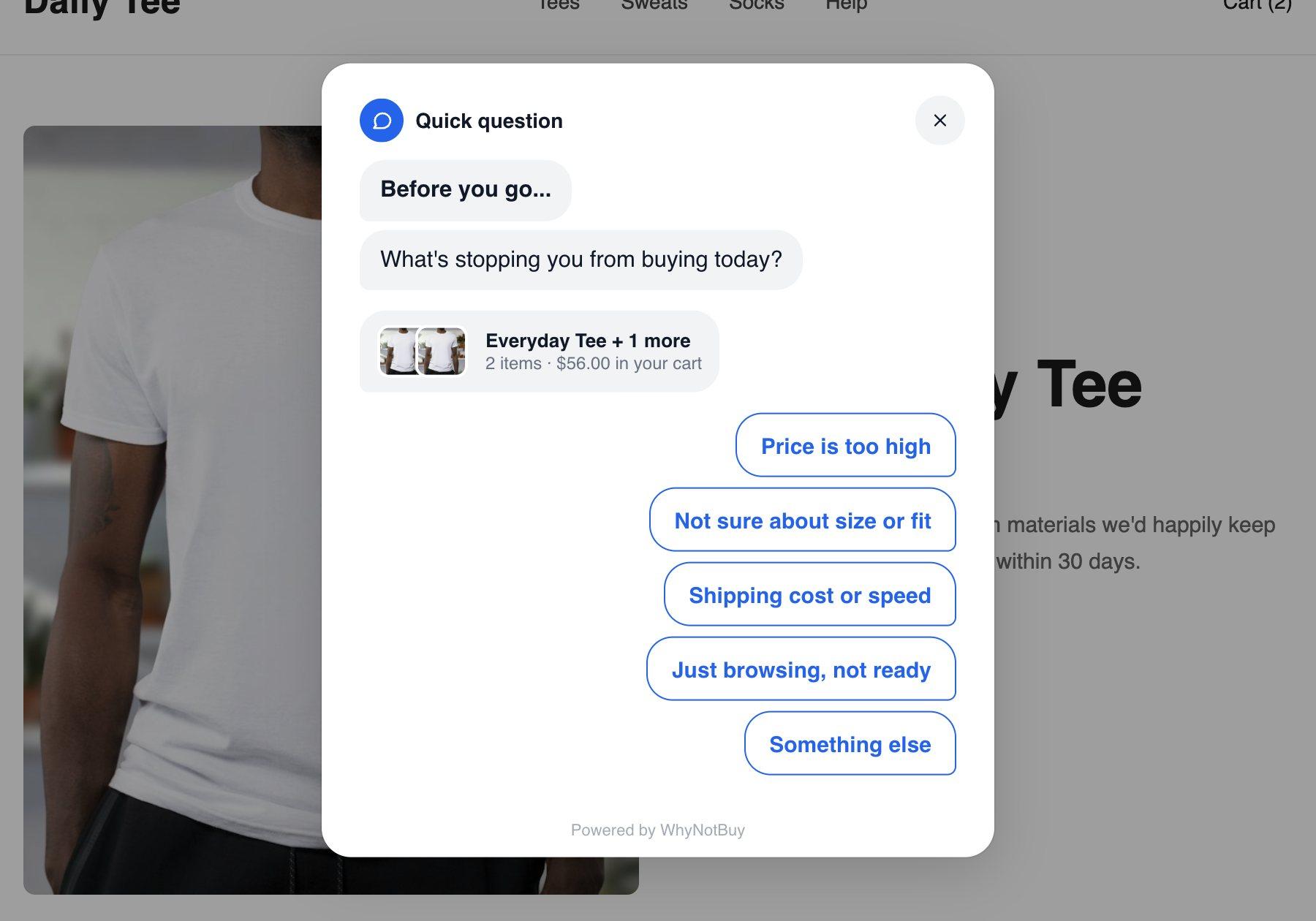
Each look is a different layout, not a recolour. Most of them pick up your theme’s fonts, so the widget feels like part of the store.
05 / On your storefront
06 / Getting started
Turn on the app embed, pick a goal and a look, start the trial. Five short steps.
Each exit with a cart is a chance to ask. Home shows the funnel and the reasons as they come in.
As answers add up, Analytics shows which reason leads and what each response did.
The trial ends. Keep it, change plan or cancel. Nothing is charged before then.
07 / Pricing
An intervention is one shopper who was shown the widget. Visitors who never see it are not counted. If the allowance runs out the widget pauses, with no overage fees. Every plan starts with 14 days free and is billed through Shopify.
For stores finding their footing
$19 a month
3,000 interventions every 30 days
For stores optimising every exit
$49 a month
15,000 interventions every 30 days
For high-traffic brands
$99 a month
60,000 interventions every 30 days
08 / Questions
In the standard setup, only a shopper who says price is the problem gets a code, and that code is single-use and stops working when its timer ends. A sizing question gets your size guide, not money off. You can also run the survey with no offers at all, and every experiment keeps a holdout group so you can see what the widget adds.
There is no cursor to watch, so it listens for three things: the Back button when it would leave your store, a fast scroll back towards the address bar, and a return to the tab after a minute or more away. It opens as a bottom sheet, once per page, and by default only when something is in the cart.
About 6 KB of script loads on each page. The widget itself, about 23 KB, loads only when it is about to be shown. It runs as a Shopify app embed, so it never edits your theme files and leaves nothing behind in your theme when you uninstall.
The widget follows your store's Shopify customer privacy settings. Without analytics consent it stores no visitor id and sends no analytics events. An email address or phone number is only kept when the shopper asks for their cart, and texts need a confirmation code first.
An order counts as recovered when it used a code the widget issued, or when the shopper answered the widget on that same cart before ordering. Until the first such order, the dashboard shows the value of carts that clicked your offer and labels it an estimate. In an experiment, every group, the holdout included, is measured by the same rule: orders from shoppers the widget opened for, or would have.
No. Every plan starts with a 14-day trial billed through Shopify, and nothing is charged if you cancel before it ends. Plans differ by features and by how many shoppers can be shown the widget in 30 days. Pageviews are never counted.